Showcase Your Work with a Realistic A5 Notebook Mockup
You've just finished a beautiful design for a planner, journal, or notebook cover. It looks fantastic on your screen, but how do you show it off to a client or your audience? A flat image can feel lifeless. You need to give it context, to let people see and almost feel what it would be like to hold your creation. This is where a high-quality mockup becomes an indispensable part of your design toolkit, and the A5 Minimalist Notebook Mockup is built for exactly this purpose.
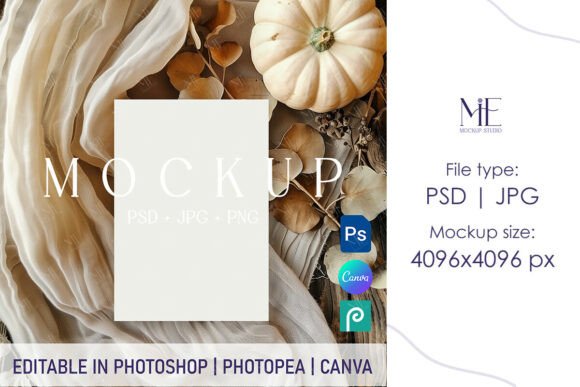
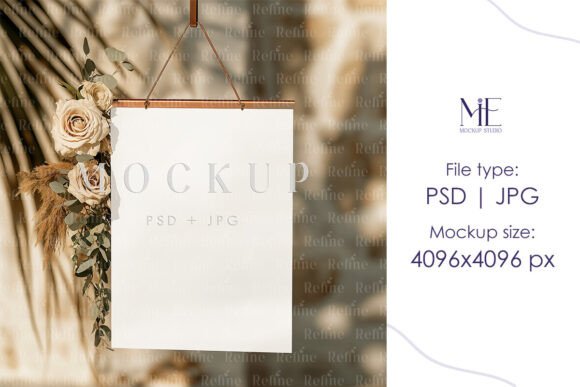
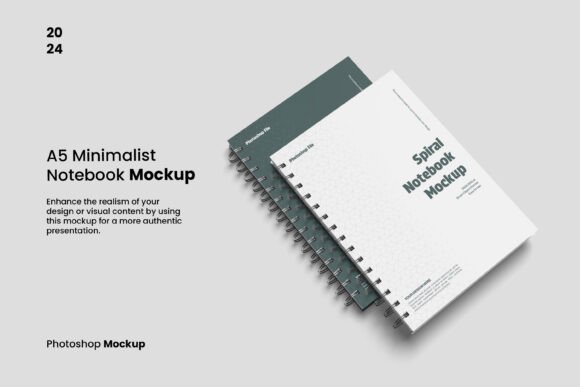
This isn't just another digital file; it's a professional presentation tool. The mockup is a carefully crafted scene that places your design onto a realistic A5 notebook, photographed or rendered in a clean, minimalist setting. The "minimalist" aspect is key here. The focus remains entirely on your work, without distracting backgrounds or overly complex styling. The personality of this mockup is one of quiet professionalism and clarity. It communicates that your design is thoughtful, modern, and ready for the real world. The overall appeal lies in its ability to elevate a simple design file into a tangible product preview, making it perfect for client presentations, online shop listings, or social media teasers.
Where This Mockup Shines: Real-World Applications
The true value of a design asset like the A5 Minimalist Notebook Mockup is its versatility. It’s not limited to one type of creative professional. Its clean aesthetic makes it a chameleon, adapting to a wide range of projects and industries. Let's explore where it fits best.
- For Graphic Designers and Brand Strategists: When developing a brand identity, you need to show how the logo and design language translate to physical goods. This mockup is perfect for presenting concepts for stationery, branded notebooks, and corporate planners. It helps clients visualize their brand in a tangible, practical application, moving beyond a simple logo design on a mood board.
- For Publishers and Authors: Whether you're an indie author showcasing a new book cover or a publisher creating promotional materials, this mockup provides a professional way to display your editorial design. The A5 size is a popular format for novels, poetry collections, and non-fiction books, making the mockup instantly relatable to your audience.
- For Etsy Sellers and Crafters: If you sell digital planners, printable journal pages, or custom notebook covers, your product images are everything. Using this mockup to display your designs on a realistic notebook can significantly increase perceived value and click-through rates. It shows your digital product as a finished, desirable item.
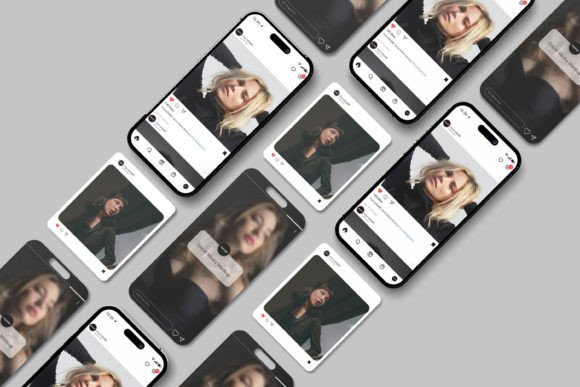
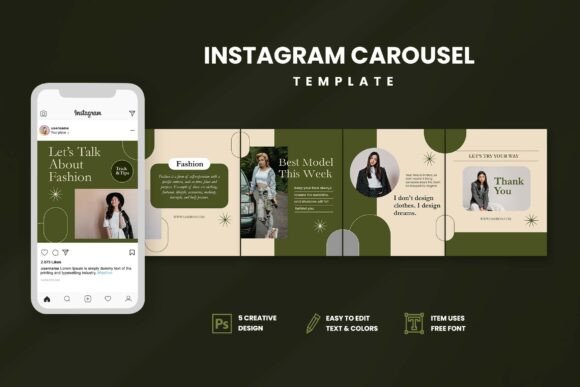
- For Marketers and Content Creators: Need a compelling visual for a blog post about productivity? A social media graphic promoting a new guide or lead magnet? The A5 Minimalist Notebook Mockup can be used to create engaging social media graphics that feel more authentic and less like a stock photo. It’s a fantastic way to create cohesive content for platforms like Instagram and Pinterest.
Getting the Most Out of Your Mockup
Using the A5 Minimalist Notebook Mockup is designed to be incredibly straightforward, thanks to its smart-object functionality. But to ensure your final presentation is as effective as possible, a few practical considerations go a long way. The goal is to make your design look its best, not just to place it onto a template.
First, consider your background. The mockup file allows you to change the background color or make it transparent. Think about the context. A soft, neutral gray or off-white can maintain the minimalist feel and keep the focus on the notebook. A bold, brand-aligned color can create a striking, high-contrast image. If you plan to place the mockup onto a different background in another program (like a website banner), the transparent option is your best friend.
Next, pay attention to the design itself. Because the mockup is so clean and realistic, any minor flaws in your artwork will be more noticeable. Before placing your design via the smart object, double-check for alignment, typos, and color consistency. The high-resolution 3000x2000 pixel dimension at 300 DPI means your final image will be sharp and detailed, suitable for both web design and print materials. This level of quality reinforces a sense of professionalism for your brand identity.
Finally, think about font pairing. If your notebook cover features a display font or a script font, how does it look in this realistic context? The mockup is an excellent testing ground. You can see how a handwritten font feels on a tangible product versus a flat screen. It allows you to evaluate if your chosen typeface has the right personality and readability for a physical item. This practical test is invaluable, especially when working on packaging design or any project where the final output is a printed object. By using this mockup, you’re not just showing a design; you’re demonstrating a finished concept, which is a crucial step in any professional creative workflow.